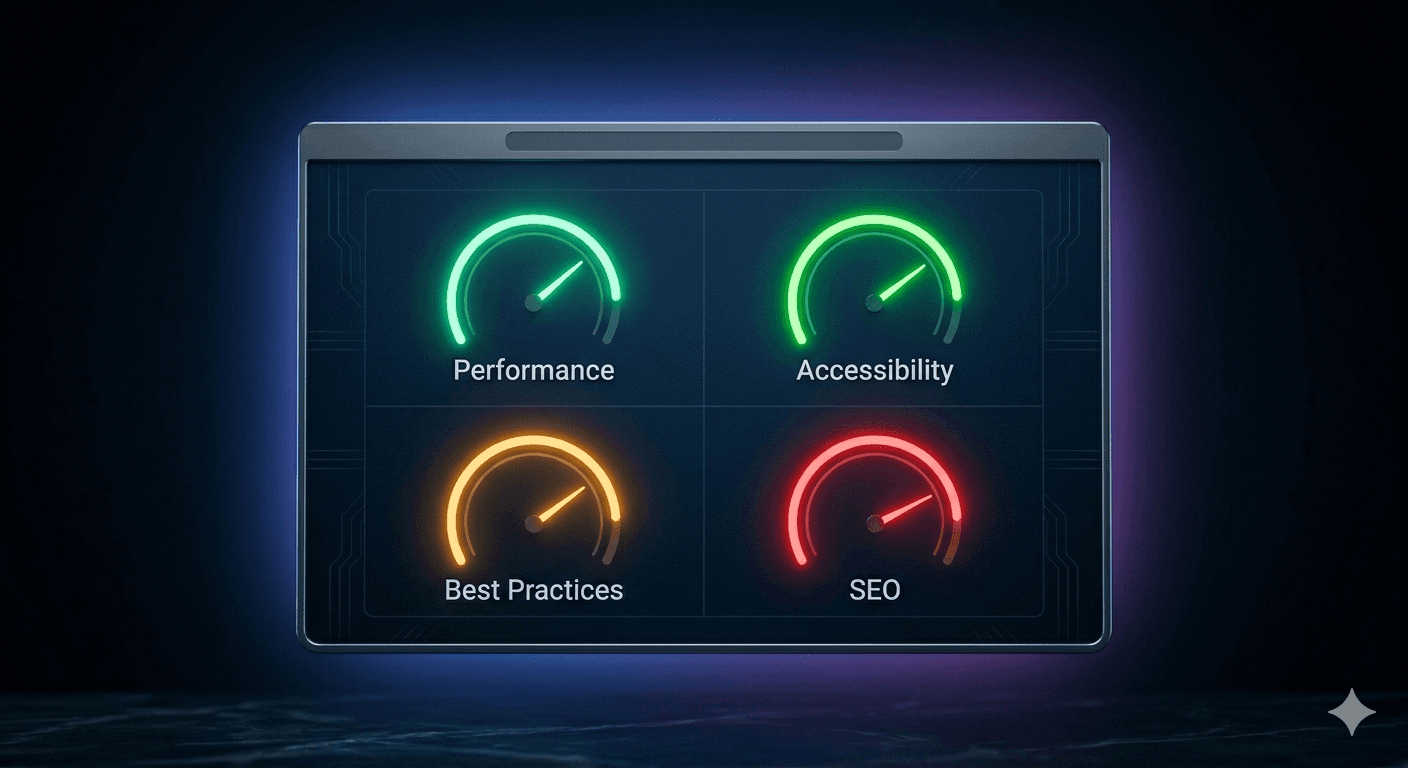
Go to pagespeed.web.dev, type in your website URL, and hit Analyze.
If you've never done it before, brace yourself. Most small business websites come back red on mobile — sometimes a 34, sometimes worse. It's alarming, and then it's confusing, because the tool returns four different scores and a wall of technical recommendations written for software engineers, not business owners.
Those scores aren't just a report card. Google uses this data in its ranking algorithm, and every point you're missing costs you somewhere — in search visibility, in customers who bounce before reading a word, or in legal exposure most business owners don't know they have.
Here's what each of the four categories actually measures, why it matters, and what you should do about it.
What Is Google PageSpeed Insights?
Google PageSpeed Insights (PSI) is a free tool that analyzes any URL and scores it across four categories: Performance, Accessibility, Best Practices, and SEO. It runs on Google's open-source Lighthouse engine and combines lab simulations with real Chrome user data from your actual visitors.
Every score uses the same 0–100 scale:
- 90–100 — Good (green)
- 50–89 — Needs Improvement (orange)
- 0–49 — Poor (red)
The tool tests your page twice — once simulating a mid-range mobile device on a 4G connection, once on desktop. Mobile scores are almost always significantly lower. An analysis by Alpha Efficiency of top-ranking Google search results found the average first-page result scores 40 on mobile and 60 on desktop. So if your mobile score is in the 40s, you're in common company — but common doesn't mean fine.
Performance: The Score That Directly Affects Revenue
Performance measures how fast your page loads and how quickly it responds to user input. The score is built from five metrics, the three most important being:
- LCP (Largest Contentful Paint) — how long until the main content appears on screen
- INP (Interaction to Next Paint) — how fast the page responds when someone clicks or taps
- CLS (Cumulative Layout Shift) — whether page elements jump around while loading
Google's targets: LCP under 2.5 seconds, INP under 200 milliseconds, CLS under 0.1. These three metrics are what Google calls Core Web Vitals, and they are an official Google ranking signal.
The connection to lost revenue is direct. Think with Google's mobile speed research found that as load time goes from 1 second to 3 seconds, the probability of a bounce increases 32%. At 5 seconds, that probability jumps 90%. More than a third of your visitors are gone before they've seen what you sell.
The mobile picture is sharper. Google's data shows a 1-second delay in mobile load time can cut conversions by up to 20%. Portent's site speed research (2019) found a site loading in 1 second converts 2.5x better than the same site at 5 seconds in ecommerce.
Performance is also the highest-leverage category because it feeds Core Web Vitals directly. Google's documented position is that Core Web Vitals act as a tiebreaker: when two pages cover the same topic with comparable quality, the faster one ranks higher. If you have a red Performance score on mobile, start here — and it's worth reviewing the full picture of signs your website is already costing you customers before assuming rankings are the only problem.
What tanks Performance on most small business sites
- Unoptimized images — the #1 culprit; a 4MB PNG on a homepage will sink a score
- Too many third-party scripts loading at once: chat widgets, pixel trackers, analytics
- No lazy loading — the browser fetches every image on the page whether the visitor scrolls to it or not
- Slow server response time — common on cheap shared hosting
- No caching or CDN
Accessibility: The Score with Legal Teeth
Accessibility measures whether your website can be used by people with disabilities — people relying on screen readers, keyboard-only navigation, or who need sufficient color contrast to read text.
Most business owners treat this as optional. It isn't.
According to WebAIM's 2024 Million Report — an annual analysis of the accessibility of the top 1,000,000 home pages on the web — 95.9% of websites have detectable WCAG 2 failures. The most common failure: low-contrast text, found on 81% of sites.
The legal exposure is real. ADA digital accessibility lawsuits have been rising steadily, with thousands filed each year in US federal and state courts — the majority targeting businesses with under $25 million in annual revenue. Out-of-court settlements typically run $25,000–$35,000. Cases that go to judgment routinely reach $75,000–$90,000.
The Accessibility audit flags the most common issues:
- Images missing alt text — a screen reader can't describe an image without it
- Form fields without labels — someone using a screen reader can't tell what to type into an unlabeled input
- Low color contrast — text readable to most people is invisible to colorblind users
- Non-descriptive links — a link that reads "click here" gives a screen reader user no context about where it goes
A score of 100 means no automated issues were detected. It doesn't guarantee full WCAG 2.1 AA compliance, but it eliminates the failures that appear most frequently in accessibility lawsuits.
The SEO upside is real too. Alt text helps Google understand your images. Descriptive link text tells Google what a linked page covers. Logical heading structure helps both screen readers and search crawlers parse your content. Fix accessibility and SEO improves alongside it.
Best Practices: Web Hygiene That Protects Your Visitors
Best Practices measures whether your site follows current web security and development standards. It's the least-discussed of the four categories, but a low score here is a quiet indicator that the site hasn't been properly maintained.
It checks:
- HTTPS — whether your entire site runs over an encrypted connection. Sites still on HTTP display a "Not Secure" warning in Chrome's address bar. A meaningful portion of visitors close the tab immediately on that warning, especially on contact or booking pages.
- Mixed content — whether some assets (images, scripts) still load over HTTP on an otherwise HTTPS site. Common in older sites that moved to HTTPS without cleaning up legacy resources.
- Outdated JavaScript libraries — old versions of jQuery and similar libraries often carry known security vulnerabilities
- Browser security headers — configuration that blocks cross-site scripting and other common attacks
- Image resolution — whether images are displayed at the correct dimensions or scaled down in-browser, which wastes bandwidth and hurts Performance
HTTPS is non-negotiable for any site handling contact forms, bookings, or payments. The "Not Secure" label is visible to every visitor. Before it's a technical issue, it's a trust problem.
Best Practices is usually the easiest category to improve. Many issues are a single-line fix — changing a URL from http to https, updating an outdated library. A score below 70 almost always means the site hasn't been meaningfully updated in several years.
SEO: Whether Google Can Actually Read Your Pages
The SEO category measures whether your pages are technically accessible to search engines — not whether they'll rank, but whether Google can crawl, parse, and index them in the first place.
This is technical SEO, not content SEO (keywords, backlinks, topical authority). Technical SEO is the foundation. Strong content on a technically broken page won't rank. Fix the foundation first.
The audit checks:
- Meta descriptions — whether each page has one (affects click-through rate from search results)
- Mobile friendliness — whether text is legible without zooming and tap targets are adequately sized
robots.txt— whether any pages are accidentally blocked from being indexed- Alt text — relevant to both Accessibility and SEO
- Descriptive link text — helps Google understand the context and destination of links
- Heading structure — one H1 per page, logical H2/H3 hierarchy below it
A score of 100 means your technical foundation is solid. Below 80 usually means there are active issues preventing Google from properly ranking your pages — and many are invisible in a browser. A site can look perfectly functional while accidentally blocking its most important pages from search.
The SEO audit overlaps heavily with Accessibility: alt text, heading structure, and descriptive links improve both simultaneously. If you're also thinking about longer-term content strategy, it helps to understand how AI SEO differs from traditional SEO — the technical foundation covered here underpins both approaches.
Where to Start When Multiple Scores Need Work
Most small business sites have issues across more than one category. Prioritize by where it hurts most:
| Problem you're experiencing | Start here | |---|---| | High bounce rate, site feels slow | Performance — image compression first | | Not ranking despite quality content | SEO — check for blocked pages and missing meta descriptions | | Older site, browser security warnings | Best Practices — HTTPS and mixed content | | Healthcare, ecommerce, or consumer-facing services | Accessibility — reduce legal exposure first |
The mistake is treating PageSpeed Insights as a vanity metric. It's a diagnostic tool that measures real user experience from real Chrome visitors — and Google uses that data directly in rankings. A mobile Performance score of 28 means real people are bouncing from your site before reading a word. That's not a technical problem. That's a revenue problem.
If the results look overwhelming, or multiple categories are below 60, that usually points to a rebuild rather than incremental patches. A professionally built website resolves all four categories in one project: optimized image pipeline, HTTPS throughout, semantic markup, mobile-first architecture. It's typically faster and cheaper than retrofitting an old site fix by fix.
The audit takes two minutes. Run it and you'll have a clear baseline — and a concrete list of what's actively working against you.
Frequently Asked Questions
What is a good Google PageSpeed Insights score?
A score of 90 or above is Good (green), 50–89 is Needs Improvement (orange), and 0–49 is Poor (red). These thresholds apply to all four categories: Performance, Accessibility, Best Practices, and SEO. For most small businesses, targeting 80+ across all four is a realistic and impactful goal. A perfect 100 is not necessary and often not worth chasing at the expense of functionality.
Does Google PageSpeed Insights score affect SEO rankings?
Yes, partly. The Performance category feeds directly into Core Web Vitals, which Google confirms as a ranking signal in their Search Central documentation. Core Web Vitals function primarily as a tiebreaker between pages with comparable content quality — the faster, better-experience page tends to rank higher. The SEO category also directly affects whether Google can crawl and index your pages.
Why is my mobile PageSpeed score so much lower than desktop?
PageSpeed Insights simulates a mid-range Android device on a 4G connection — slower than a desktop on cable or Wi-Fi. Mobile scores are almost universally lower, and mobile is weighted heavily because the majority of web traffic comes from phones. A strong desktop score with a poor mobile score is still a problem.
How often should I check my PageSpeed Insights score?
After any significant site change: adding plugins, installing tracking scripts, updating your theme, or building new pages. For established sites, quarterly audits catch issues before they compound. New websites should score 80+ across all four categories on launch day.
What is the difference between PageSpeed Insights and Core Web Vitals?
Core Web Vitals — LCP, INP, and CLS — are a specific subset of the Performance category. They're the three metrics Google uses as ranking signals. INP officially replaced FID as a Core Web Vital in March 2024. PageSpeed Insights is the tool that measures all four categories, including pulling in real-world Core Web Vitals data from Chrome users who've visited your page.
What does the Accessibility score actually check?
The audit checks for automated failures: images missing alt text, form inputs without labels, insufficient color contrast between text and background, links without descriptive text, and improper heading hierarchy. A score of 100 means no automated issues were found — it doesn't guarantee full WCAG 2.1 AA compliance, but it resolves the failures that appear most frequently in ADA accessibility lawsuits.
Run your free audit at pagespeed.web.dev. If the results point to a site that needs more than quick fixes, see what a professional rebuild looks like at ClickWerxs.